NT$990 and up
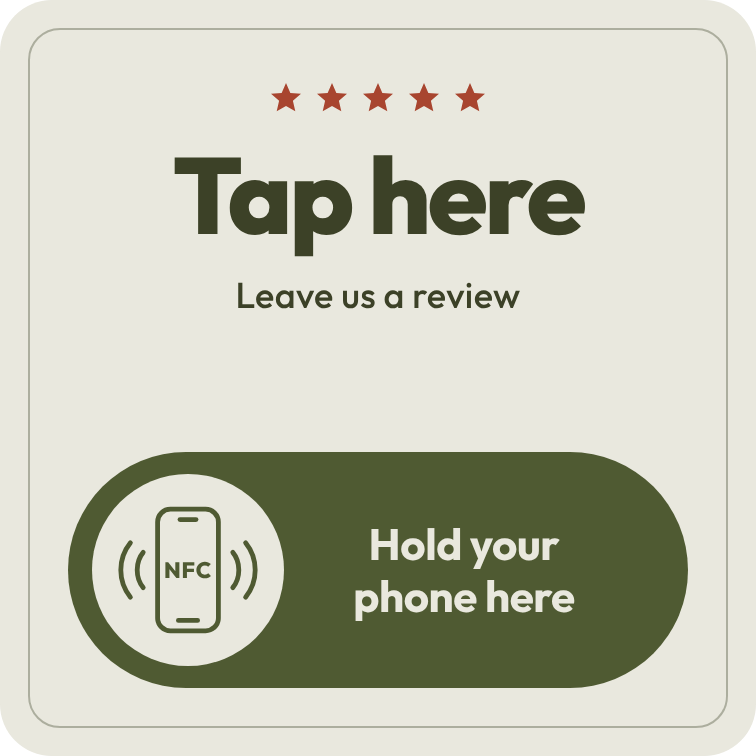
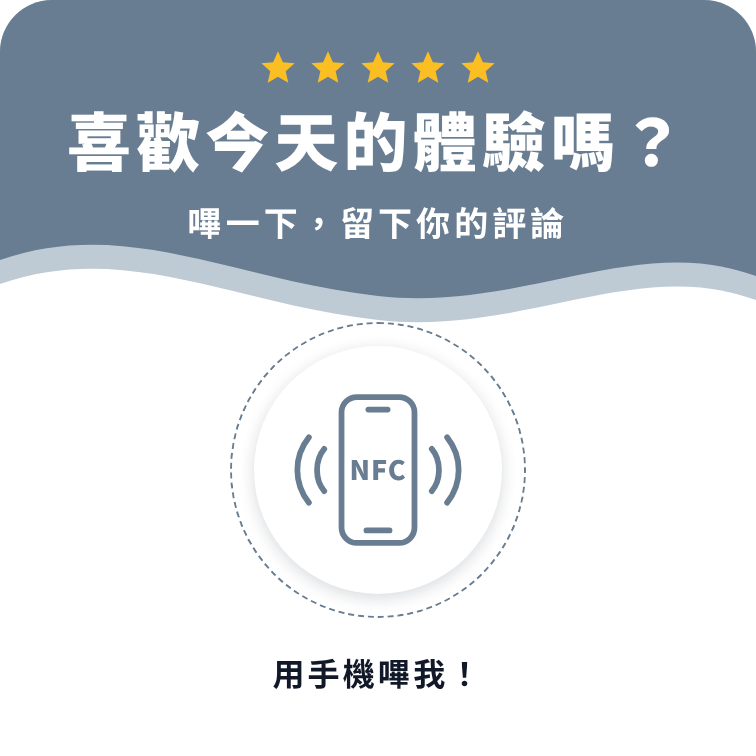
Review plate, pay once
To leave a review, customers first have to open Google Maps and find your shop.
We counted on an iPhone: getting from opening Maps to the “Write a review” button takes 6 steps.
Animation timing is for illustration only.
On most Android phones with NFC turned on, it opens straight away, in just 1 step.
No app to download, no QR code to scan. Most phones read it right away.
It takes customers straight to your Google review page. No searching for your shop, no ending up on the wrong listing.
Customers are most likely to leave a review while they’re still in your shop and the experience is fresh.
Put one plate at the counter and one at the entrance. Customers see it while they wait or on their way out, and can tap if they’d like to leave a review. New reviews arrive on your Google Business Profile one at a time.

We set up the link before it ships. Peel off the backing, stick it on your counter or table, and customers can start tapping.
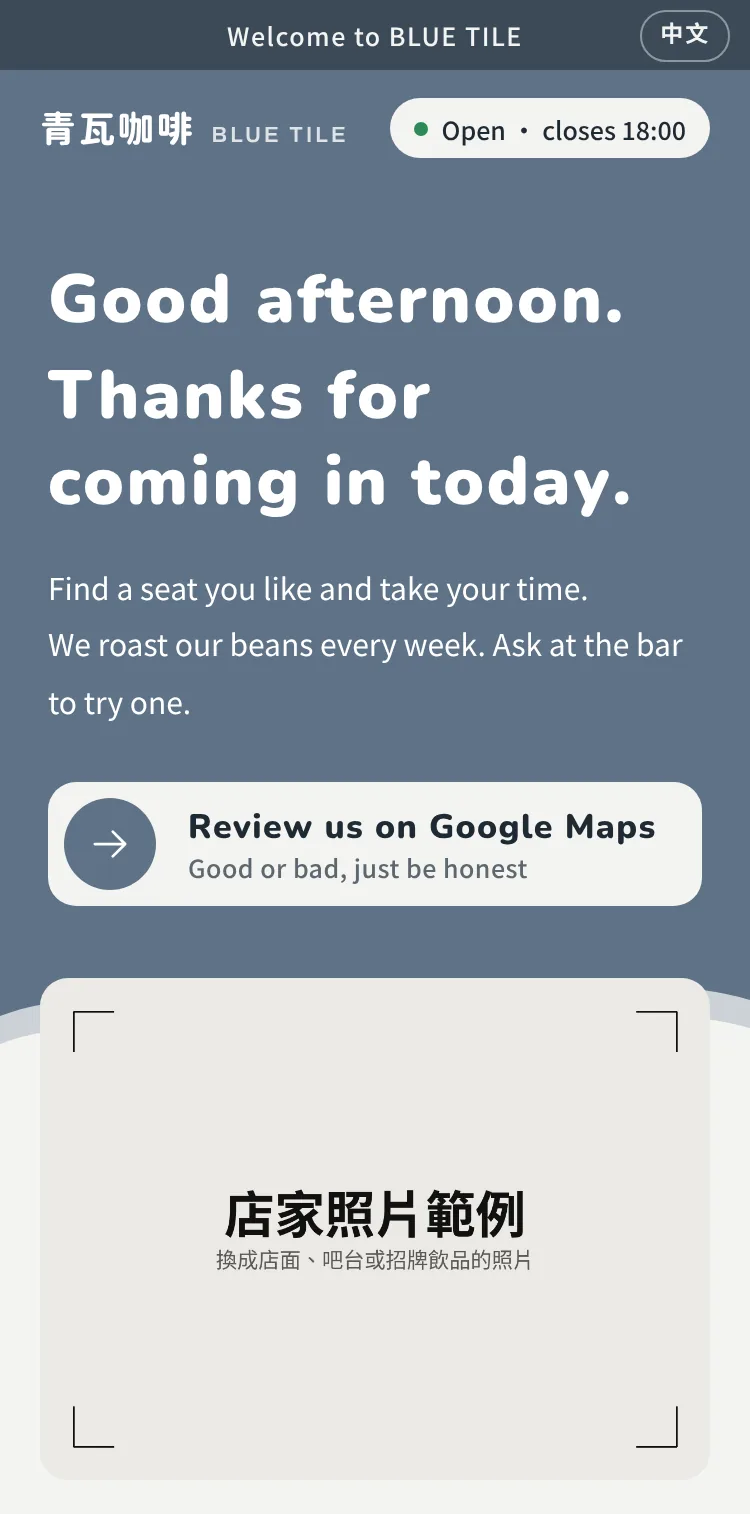
This is the page for our demo shop, Blue Tile Coffee. Open the phone screen to try it: the review button sits at the top, the Wi-Fi password copies with one tap, and the colours match your shop’s.
 Coming soonComing soon
 Coming soon
 Coming soonComing soon
“O-ló” is Taiwanese for praise: the word grandparents say without thinking when the food is good or the tea goes down just right.
For many of us, Taiwanese is something handed down from our elders: a heritage, even something in our blood, and just hearing it feels like home. But many older people aren’t at ease with smartphones. They love a shop but don’t know how to leave a review, so their fondness goes unsaid.
What Ohlo does is simple: one tap of a phone, and the review page opens. With no searching for the shop or the review page, genuine fondness can more easily turn into real stars.
Yes. iPhone XR, XS and later read it without any app: touch the top edge of the phone to the tap area. On Android, turn on NFC in Settings first.
No. The page opens directly in the phone’s browser.
Your landing page stays up for 7 days after it expires. If you still haven’t renewed by then, we switch the plate to open your Google review page instead, so it keeps working. Renew within a year of expiry and your landing page comes back as it was.
To update your Instagram, opening hours or review link, just message our LINE Official Account. We make the change on our end, so there’s no need to replace the plate.
Every chip is locked before it ships and can’t be overwritten. Only we can change where it links to.
Our first batch is Mist Blue only, launching in February 2027, and we can’t print shop names or logos yet. Ink and other colours are on the way. Message us on LINE to join the waiting list, and we’ll let you know as soon as they arrive.
Any flat surface, such as glass, wood, acrylic or a wall. Metal interferes with the signal, so please don’t stick it directly onto metal. The adhesive may leave residue if you remove it, so choose the spot carefully first.
Yes. You can return a plate for a full refund within 7 days of receiving it, as long as the adhesive backing hasn’t been peeled off and it’s in good condition. Plates that have been stuck down can’t be returned, but faults are still covered by the warranty. See our Terms of Service for details.
Plates come with a one-year warranty from activation: if the chip fails through no fault of yours, we’ll replace it free of charge. For drops, scratches or loss, a replacement costs NT$390 plus shipping. The new plate links to your existing page, and the old plate’s code is deactivated.